Image & video · Flux, Midjourney, SDXL · 5 min read
Studio lighting and real materials for AI product shots
Swap "8k, photorealistic" for light sources, surfaces and lenses, and product renders stop looking like plastic.
Why product renders look fake
Quality words like "8k" or "ultra detailed" give the model nothing physical to draw. Products look real when the prompt names three things a photographer controls: the light, the surface and the lens. Objects have no face to drift, so this is where text prompts are most reliable.
Formula
Write the product in brackets so you can swap it, then fill one line each for surface, light and lens.
Product photograph of a [your product] on [real surface with texture].
Light: [one named source + its shadow shape].
Lens: [focal length], f/[aperture], [detail you want sharp].
Mood: [campaign reference, e.g. minimalist lookbook].
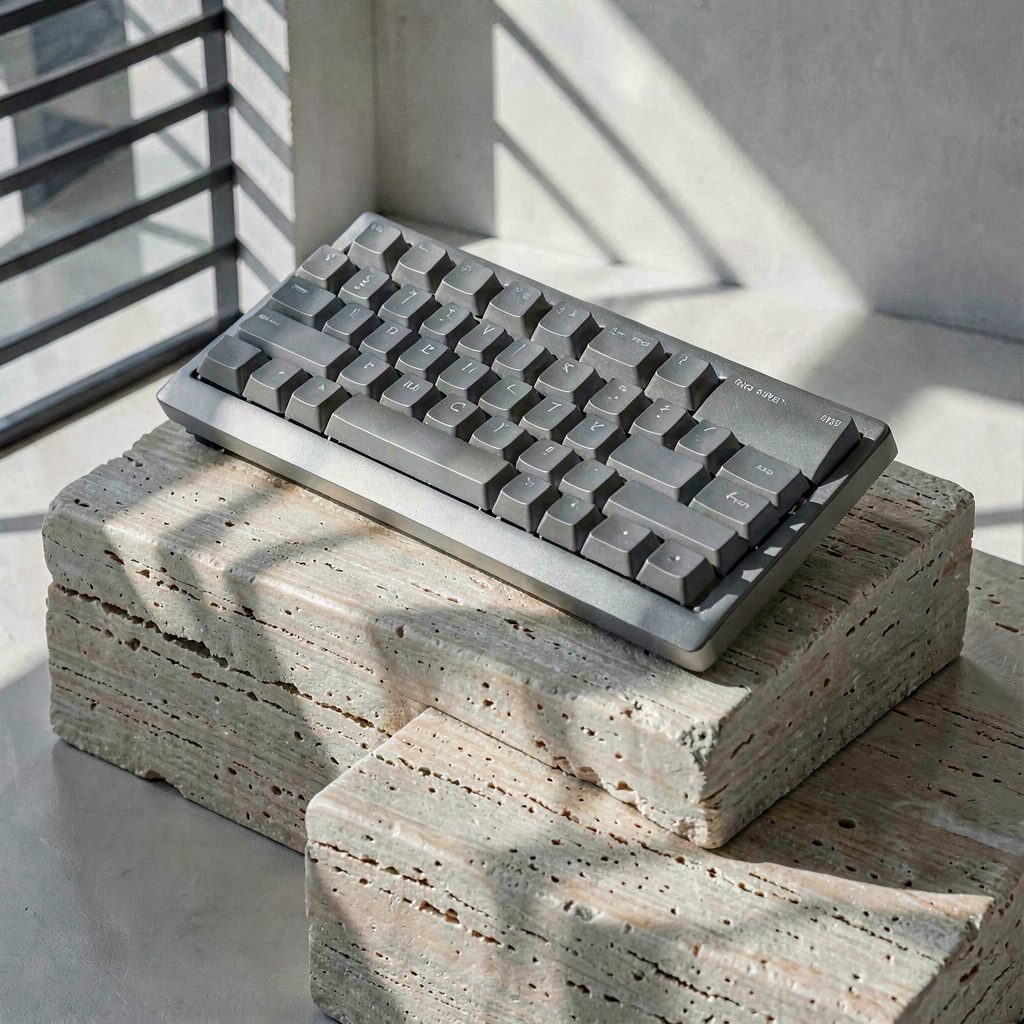
Hard shadows on porous stone
Window-blind shadows give shape and time of day. Travertine pits give scale and touch.
Product photograph of a [matte grey compact mechanical keyboard] on stacked raw travertine blocks with visible pits and pores. Hard diagonal window-blind shadows from low morning sun, 80mm, f/5.6, minimalist lookbook.
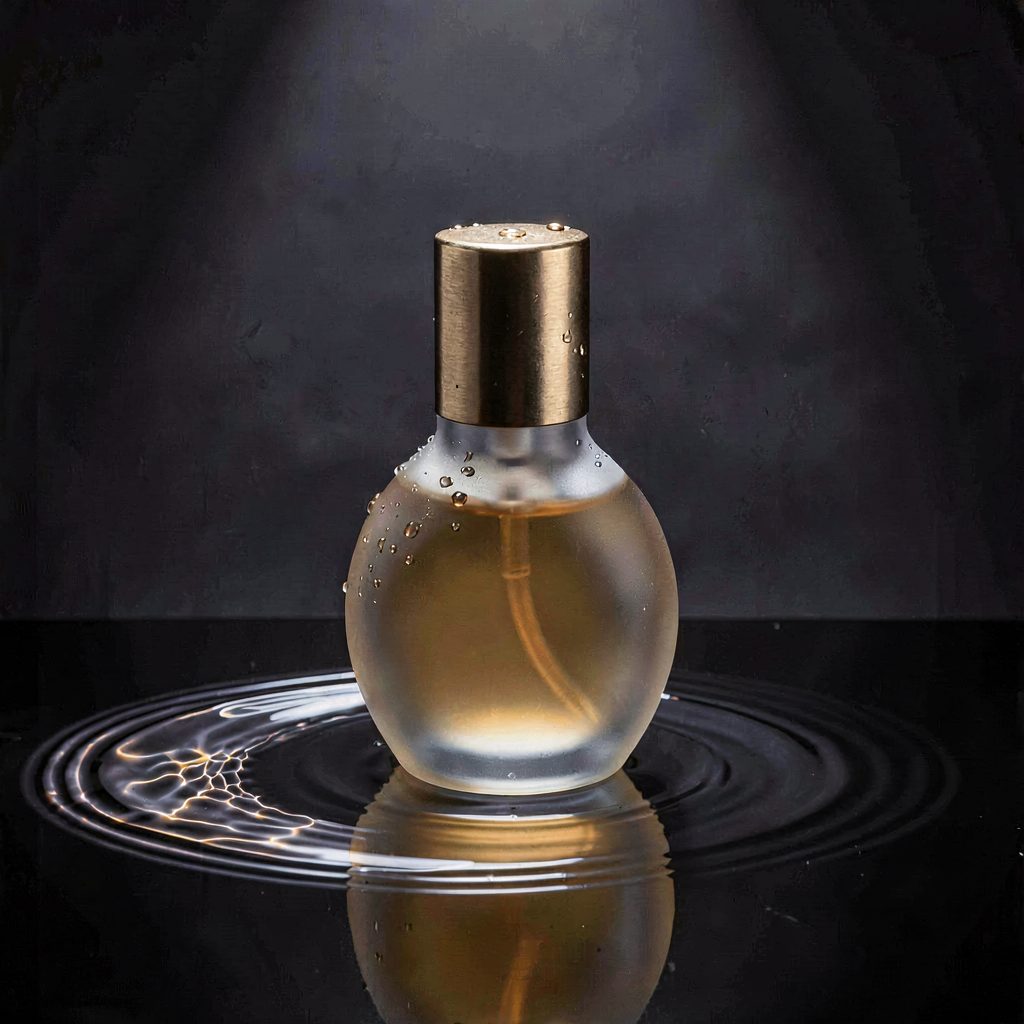
Caustics for glass and liquid
Glass needs something to refract. A thin layer of water under the bottle creates golden caustic rings and gives the frosted surface condensation to hold.
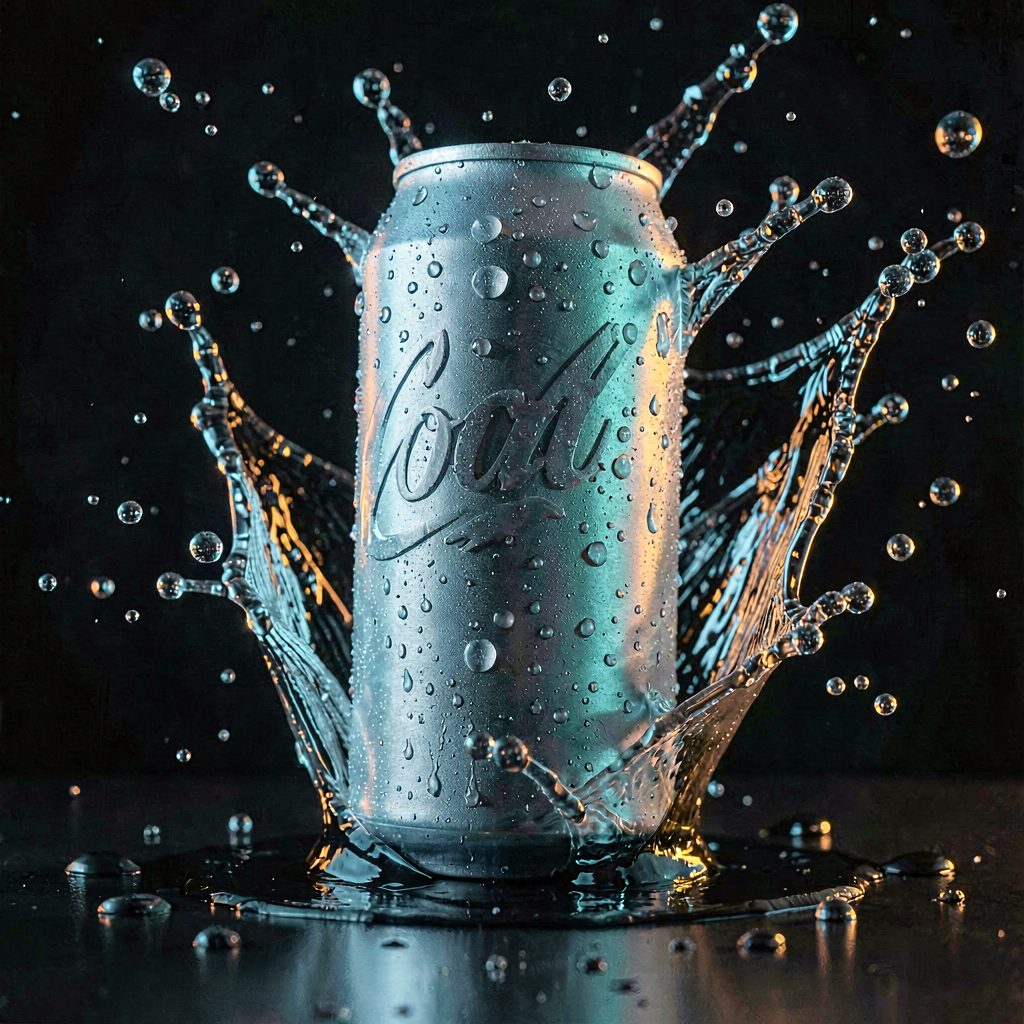
Freeze motion with shutter speed
Name the shutter speed and the rim lights. 1/8000s tells the model the splash is frozen, two colored rims separate the can from black.
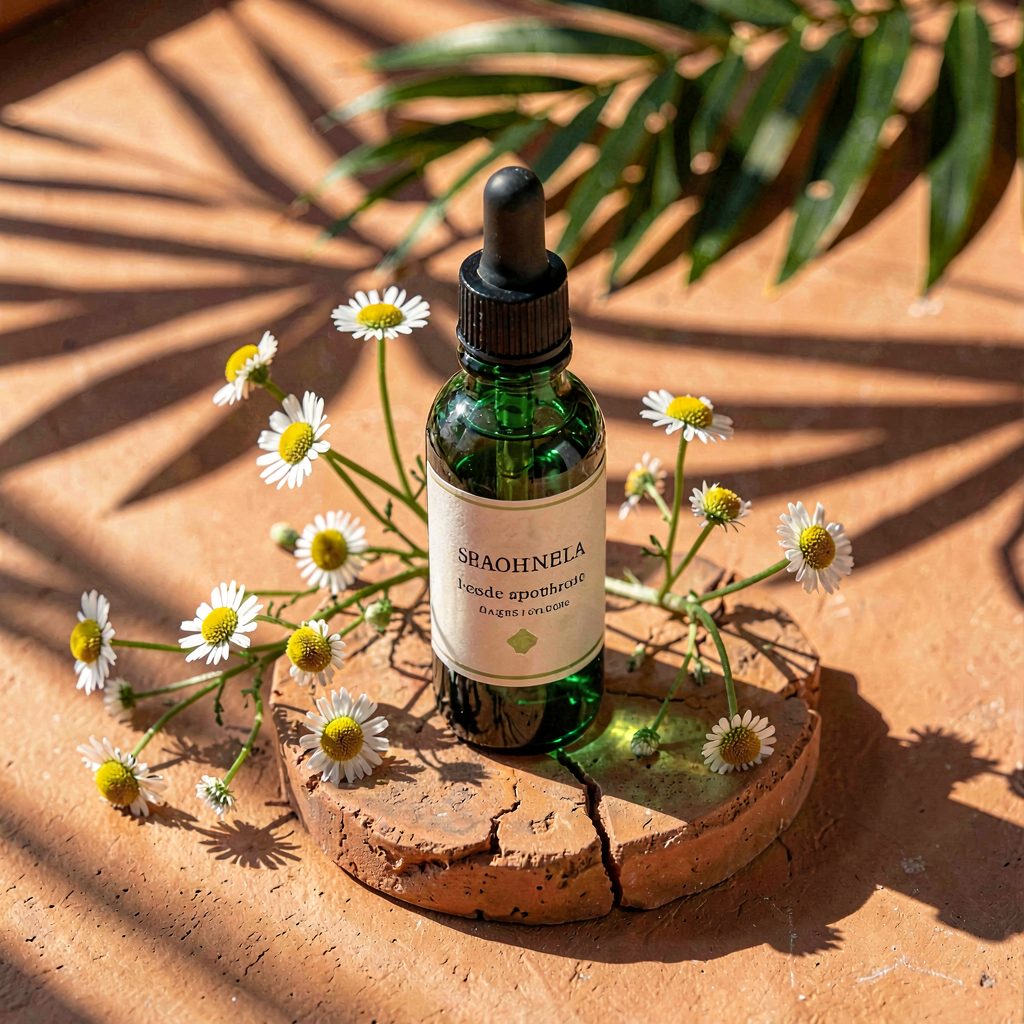
Gobo shadows for organic warmth
Leaves between the sun and the scene throw dappled shadows. Pair them with a matching natural surface such as terracotta.
Checklist
Removed: 8k, hyperrealistic, best quality. Added: one surface with texture, one named light and shadow shape, one lens and aperture. Labels and logos still come out garbled, so add real branding afterwards.
Know a trick other creators should learn?